
How to open and verify a Goka account
Open a Goka account in about five minutes. Here is exactly what you need, how the SMS code works, and how to verify your identity so your first withdrawal goes through without delays.
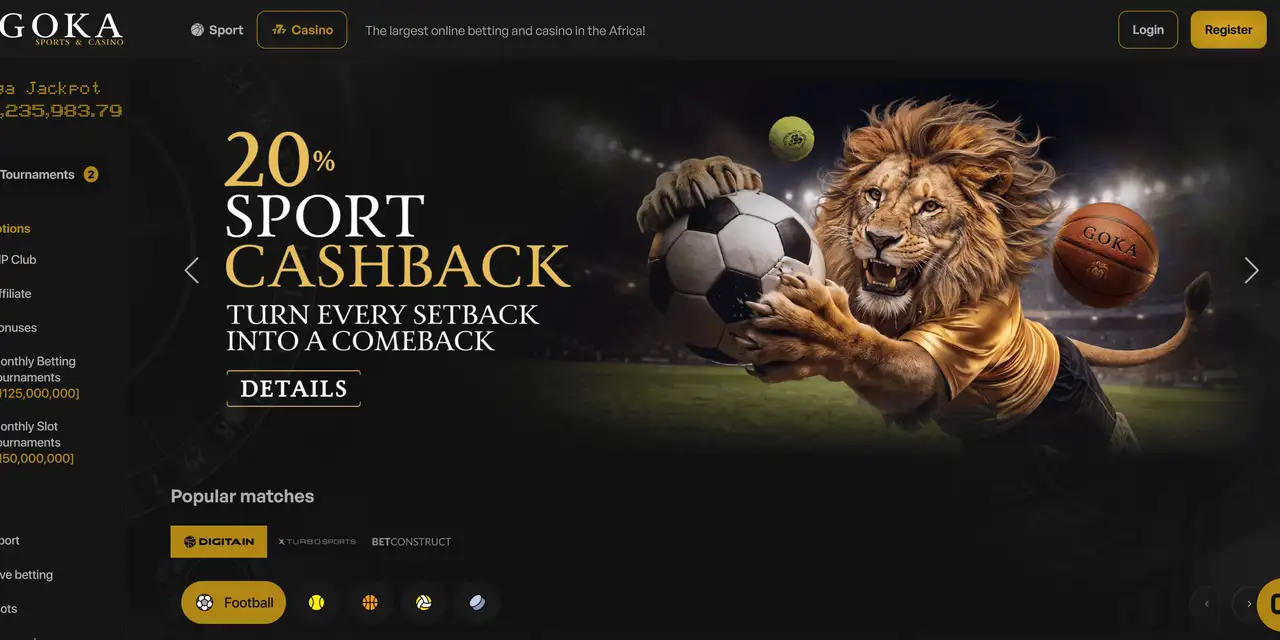
Sponsored: Goka is our Featured Partner, and this guide contains an affiliate link. That never changes how we score operators. 18+ | Bet responsibly.
How to register on Goka.ng and verify your account
Opening a Goka account takes about five minutes and only needs your phone and an email address. Verifying it takes a little longer, but doing it early means your first withdrawal won’t be held up.
Before you start
You will need:
- To be 18 or older. Goka’s terms say registration and play are for persons aged 18 years and above only.
- A Nigerian phone number that can receive SMS. Goka sends a one-time code to it.
- An email address you can access.
- A valid government-issued photo ID for verification later. You don’t need it to sign up, but you will before you withdraw.
Is Goka licensed?
Yes. Here is Goka’s licence statement, exactly as Goka publishes it:
goka.ng is owned and operated by Gokabet Gaming Limited, licensed by National Lottery Regulatory Commission (NLRC) and Lagos State Lotteries and Gaming Authority (LSLGA). NLRC License No: 9623490. LSLGA License No: LSLGA/OP/OSB/GC190626.
GOKABET GAMING LIMITED (BETGOKA) operates under the Universal Reciprocity Gaming Permit issued through the Federation of State Gaming Regulators of Nigeria (FSGRN). Category: Sports Betting / Online Casino. Permit No: SBOC/BG19JN26/0034/V1. Permit valid from 19 June 2026 until 18 June 2027.
This matches the LSLGA register, which lists the company under the trading name BETGOKA. Our licence checker guide shows you how to check any operator yourself.
How to open a Goka account: 5 steps
1. Go to goka.ng
Open Goka on your phone or laptop, and tap Register in the top-right corner.
2. Fill in the registration form
It is a single page. You will be asked for:
- A username
- Your email address
- A password, entered twice
- Your phone number (the +234 Nigeria code is already selected)
- A promotional code, which is optional
3. Choose a strong password
Goka asks for at least six characters, with capital letters, lowercase letters and symbols.
4. Accept the terms and tap Register
Tick the box to confirm you have read the general terms and conditions. It is worth actually reading the bonus terms before you claim any offer.
5. Enter the SMS code
Goka sends a six-digit code to the number you registered. Enter it to confirm your phone, and your account is open.
That’s it. You are automatically placed in the Bronze level of Goka’s VIP club, and you can make a first deposit from ₦300.
How to verify your Goka account
Goka doesn’t ask for identity verification (often called KYC, short for “know your customer”) when you sign up. It may ask for it before your first withdrawal. This is standard at licensed operators: it confirms you are over 18 and that the account is really yours.
We recommend verifying straight away, so there is no delay when you want to withdraw:
- Log in and open your account or profile settings.
- Find the verification section.
- Upload a clear photo of a valid government-issued ID. [CONFIRM WITH GOKA: list of accepted IDs]
- Make sure the name and date of birth on your ID match what you entered when you registered.
- Wait for confirmation. [CONFIRM WITH GOKA: typical review time]
Tips to avoid a rejected ID
- Take the photo in good light, with all four corners of the ID visible.
- Use your real name at registration. A nickname that doesn’t match your ID is the most common reason verification fails.
Your first deposit and withdrawal
| Details | |
|---|---|
| Minimum deposit | ₦300 |
| Deposit methods | Bank transfer, Opay, card, USSD, crypto |
| Minimum withdrawal | ₦300 |
| Withdrawal methods | Bank transfer, Tether (USDT) |
Last checked against Goka’s published terms on 7 October 2026. Always check the current terms on Goka before you deposit.
Before you deposit, decide how much you are comfortable spending, and set a deposit limit in your account. Betting is entertainment with a cost, never a way to make money.
Common problems
The SMS code didn’t arrive
Check that you entered your number correctly, wait a minute, then request a new code. Network delays are common at busy times.
I forgot my password
On the login screen, tap “I forgot my password”. Goka sends a verification code to your email and phone, and you can then set a new password.
My withdrawal is pending
If you haven’t verified your account yet, this is usually why. Complete verification and contact Goka’s 24/7 support if it still doesn’t move.
Ready to register?
Register at goka.ng, verify your account straight away, and set your deposit limit before your first bet.
Keep reading
- Goka review
- Goka promotions explained: cashback, VIP club and weekly bonuses
- About Goka: licences, games and payments
- How to choose a betting site in Nigeria: 8 things to check first
18+ | Bet responsibly. If betting stops being fun, take a break. Our responsible gaming page lists free, confidential support.
Keep reading
Explore more from our goka hub or start with our beginner guides.
Frequently asked questions
How long does it take to register on Goka?
About five minutes. You need a username, email, password and a Nigerian phone number that can receive SMS.
Do I need to verify my Goka account to bet?
Not to sign up or bet. You may need to verify your identity before your first withdrawal, so it is best to do it early.
What is the minimum deposit on Goka?
₦300, by bank transfer, Opay, card, USSD or crypto.
How to register on Goka.ng and verify your account
Got a question we did not answer, or a tip from your own experience? Tell our editors.
Sources and corrections
Spotted an error or something out of date? Report a correction. We review every report and log changes under our corrections policy.



Join the conversation
Share your take below. Please keep it respectful: no links, contact details, betting codes, promotions or spam.
Be the first to share your take.